
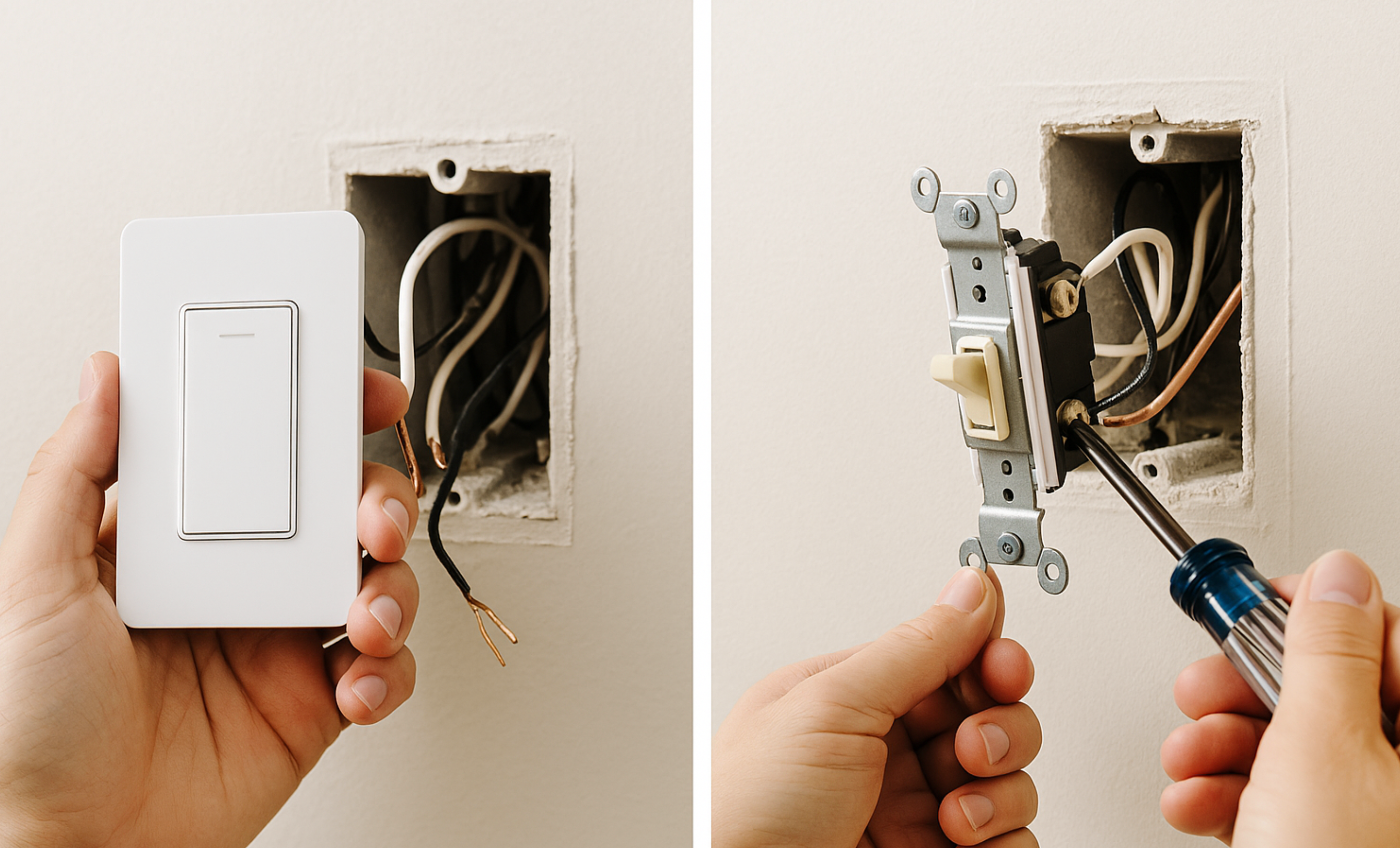
Switching to a smart light switch is one of the easiest ways to modernize your home. Not only does it let you control lights from your phone or voice assistant, but it also adds a sleek, functional touch to any space. And the best part? With a little confidence and a screwdriver, you can do it yourself.
Step 1: TURN OFF THE POWER
Before doing anything, go to your circuit breaker and turn off the power to the switch you’ll be replacing.
This is not optional. Flipping the light switch off is not enough—you must shut off the circuit at the breaker box. To be safe, use a voltage tester to confirm there is no electricity running to the switch. Never touch wires unless you’ve verified the power is off.
Step 2: Remove the Old Switch
Unscrew the faceplate and remove the two screws holding the existing switch in place. Gently pull the switch forward to expose the wiring. You’ll likely see the following wires:
- Hot (black) – brings power in
- Load (black or red) – sends power to the light
- Neutral (white) – required by most smart switches
- Ground (bare copper or green) – for safety
Take note of how the wires are connected or snap a quick photo—you’ll refer back to it during installation.
Step 3: Check for a Neutral Wire
Many smart switches require a neutral wire (usually white) to function. If your electrical box doesn’t have one, you’ll need to buy a smart switch that’s compatible with a no-neutral setup or consider having an electrician run a neutral wire.
Step 4: Connect the Smart Switch
Follow the manufacturer’s wiring guide closely. Typically, you’ll connect:
- Line (hot) to the black wire supplying power
- Load to the wire going to the light
- Neutral to the white wire bundle
- Ground to the bare copper or green wire
Use the included wire nuts to make secure connections, then gently push the wires back into the box.
Step 5: Mount and Finish
Screw the smart switch into place and attach the new faceplate. Turn the power back on at the breaker, and look for indicator lights on the switch that show it’s powered and ready to pair.
Step 6: Set Up the Smart Features
Open the manufacturer’s app on your phone and follow the steps to connect your switch to Wi-Fi. You may be able to assign it to a room, set schedules, or integrate it with voice assistants like Alexa or Google Home.
Upgrading to a smart switch is a simple project that delivers long-term convenience. With a few basic tools and a clear plan, you can bring your home into the future—one light at a time.

Comments are closed.